
Open-source, self-custodial mobile wallet supporting over 100 blockchains and built-in cross-chain swaps
No KYCMobileSelf-custodialEthereum · Bitcoin +13

Official open-source desktop wallet for Monero with full node support, pruning, and hardware signing
Monero GUI Wallet is the official desktop graphical user interface client for the privacy-oriented Monero network. Free and open source, it gives users direct custody over their XMR keys and flexible synchronization options ranging from fully validated local nodes to remote setups.
The Monero project launched in 2014 following a community fork from Bitmonero when founder thankful_for_today proposed changes rejected by the community. Development of the GUI client is maintained collaboratively by community contributors and the Monero Core Team.
The software is strictly self-custodial and operates on Windows, macOS, and Linux. Users configure the client in either Simple mode, which connects automatically to a remote node, or Advanced mode for direct control over a local daemon. To alleviate storage demands, the software includes blockchain pruning, which reduces disk space requirements to about one-third of the complete ledger size. Hardware integration supports signing transactions with Ledger or Trezor devices.
Monero GUI Wallet is free to download, charging no software fees. Monero transactions incur network fees, and the interface includes local fiat currency conversion estimates without requiring KYC verification.
The client receives regular updates, with version 0.18.5.4 released in October 2026 following prior 2026 releases that patched Ledger integration issues, macOS window management bugs, and wallet generation flows. In November 2019, attackers compromised the GetMonero.org download server to distribute malicious CLI wallet binaries containing coin-stealing code. The incident showed the necessity of verifying signed GPG cryptographic hashes before executing downloaded binaries.
Users must securely store their mnemonic seed phrase, as forgotten credentials cannot be restored. Antivirus software may flag the wallet executable.
Monero GUI Wallet provides private, open-source self-custody for Monero with full hardware support, but it supports no other cryptocurrencies and requires desktop synchronization.
Monero GUI Wallet is the official desktop self-custody client developed by the Monero open-source community. Available for 64-bit Windows, macOS (Intel and Apple Silicon), and Linux, it serves exclusively the Monero (XMR) network. The client is completely free and open source, and requires no KYC checks.
Users can run the application in multiple configurations depending on technical skill and hardware capacity. Simple mode connects automatically to remote nodes for quick balance checks and transactions without downloading the ledger. Advanced mode gives full control over an internal Monero daemon (monerod), supporting a full local node or a pruned node that downloads only one-third of the blockchain to conserve disk space. The wallet connects natively with hardware devices such as Ledger and Trezor, keeping private spend keys isolated on external hardware while managing transactions through the desktop interface.
Strengths include total control over privacy, support for over 30 languages, and zero software usage fees. It does not support any tokens or blockchains other than Monero, contains no built-in fiat onramps or decentralized exchange swaps, and is not available as a native mobile app or browser extension. Antivirus suites may flag the software files as false positives.
In November 2019, an attack compromised getmonero.org web server binaries, briefly serving backdoored command-line tools to visitors. The project urges users to verify canonical SHA256 hashes against GPG-signed lists before execution. Monero GUI Wallet suits users who require non-custodial privacy when holding or transacting XMR on a computer.
| KYC required ⓘ | No · unverified |
|---|---|
| Wallet type | Desktop · unverified |
| Custody | Self-custodial · unverified |
| Chains | Other · unverified |
| Platforms | Windows, macOS, Linux · unverified |
| Open source | Yes · unverified |
| Hardware wallet support | Yes · unverified |
| In-app swaps | No · unverified |
| Staking | No · unverified |
| NFT support | No · unverified |
| Buy crypto in app | No · unverified |
| WalletConnect | No · unverified |
| Security features | Hardware wallet support, Local full node support, Blockchain pruning, Remote node connection, Tor/I2P routing compatibility · unverified |
| Recovery without a seed phrase | No · unverified |
| Passkey login | No · unverified |
| Built-in dApp browser | No · unverified |
| Perpetuals trading | No · unverified |
Not disclosed by the provider: Multisig, Swap fee.
Data from the provider's website and public sources. Fees and availability change; confirm on the official site before you sign up.
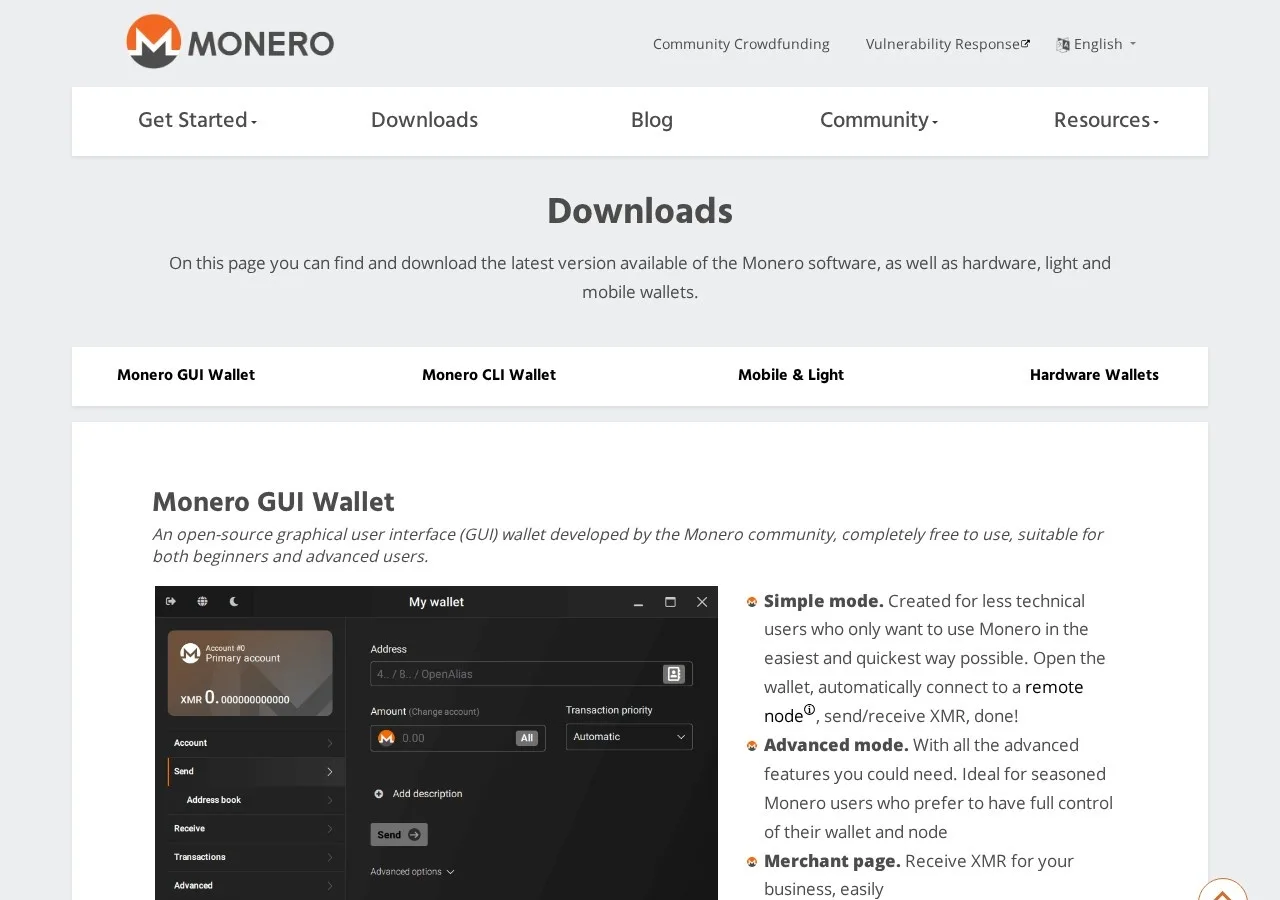
Simple mode connects automatically to remote nodes for sending and receiving XMR, while Advanced mode runs a dedicated local Monero daemon.
Pruning discards unneeded ledger data and uses roughly one-third of standard disk space for a validated node.
Connects directly with Ledger and Trezor devices to sign XMR transfers without exposing seed phrases to the host machine.
A built-in merchant page helps businesses receive XMR payments.
The client interface is translated and accessible across more than 30 languages.
A configuration that automatically connects to a remote node to send and receive XMR without downloading the full blockchain.
A full-featured operating mode that gives experienced users control over local node configuration, daemon startup flags, and network routing.
A built-in payment point interface that lets businesses generate payment requests and easily receive XMR transactions.
A storage-saving setting that reduces the local blockchain footprint by downloading only one-third of the ledger data.
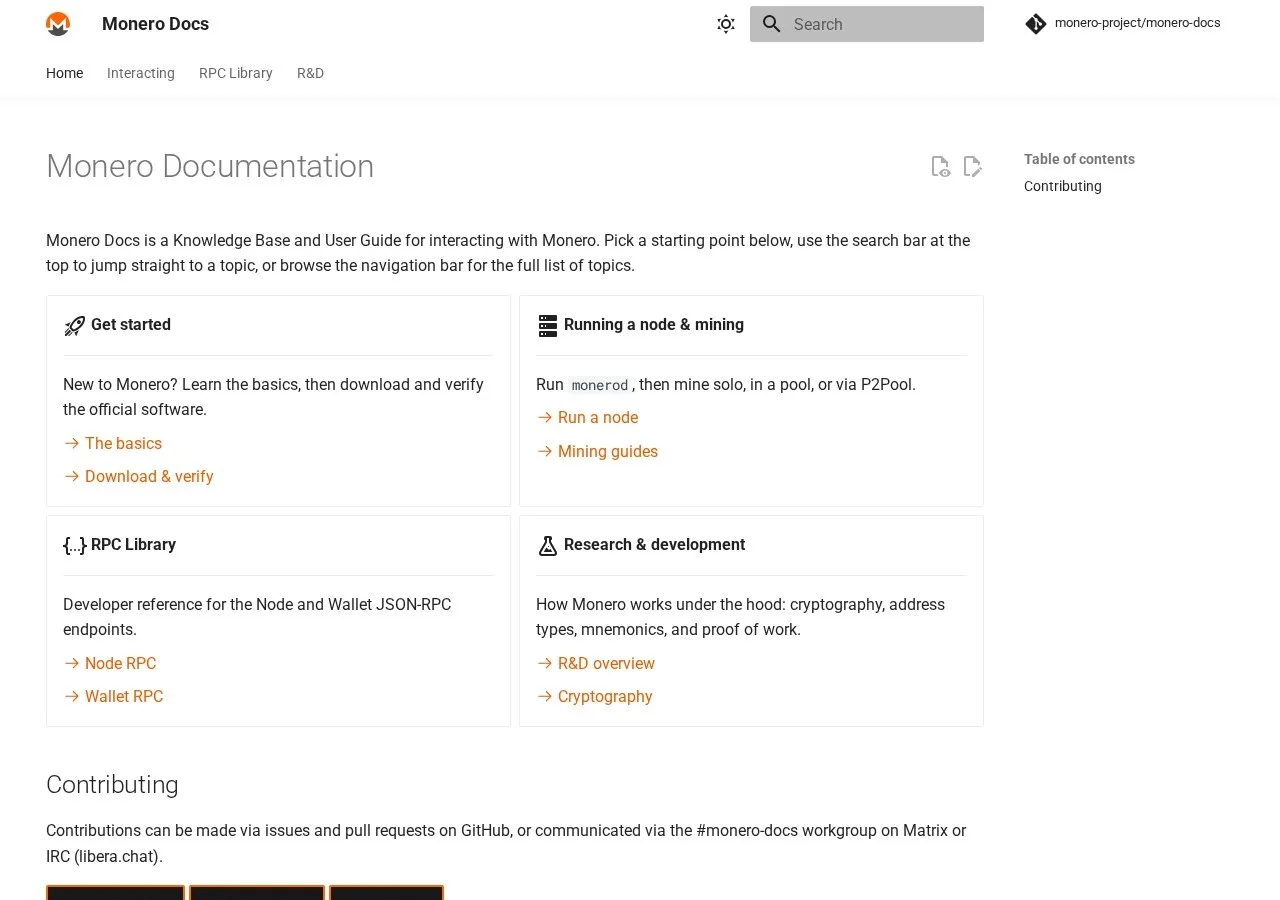
Monero GUI Wallet is available from getmonero.org and can be used with Tor and P2Pool. Some users have raised antivirus concerns, and initial blockchain syncing can take a couple of days.
“use Feather/GUI wallet from the official getmonero.org link. both installs are simple on desktop. for mobile use what they recommend but imo those wallets provide a much better monero experience”
“Downloaded & Fully Synced the Full ~275GB Monero Blockchain Over Tor in less than 24h. How is this even possible? I ran a Monero node over Tor (monero-gui v0.18.4.7 on Tails) and the entire \~275+ GB blockchain downloaded and fully synced over Tor in under 24 hours — no errors, wallet can…”
“You should not mine to whatever "xmrwallet online" is, download the monero-gui-wallet from getmonero.org, and then make a wallet in the wallet gui, copy the address that it lists for your wallet, and then paste that string of characters into your xmrig config where it asks for a payment address.”
“You can speed up that initial sync by downloading the raw blockchain independent of your wallet and importing, just make sure to do so from a verified official source like getmonero.org.”
“Monero Wallet is throwing Windows Defender Warnings? I just downloaded the latest version of the zip GUI on Windows 11 via the auto update. I verified the hash that it matches the one listed on getmonero.org.”
“No. This also applies to users who access getmonero.org without Tor. Cloudflare can see who connects to getmonero.org (IP address, user-agent, and all other HTTP request headers) along with when, where, and what data is retrieved, all in plaintext.”
Based on 84 Reddit posts and comments from the last 12 months, checked Oct 23, 2026. These are posts by users on other sites, not reviews submitted on CryptoReview.
No user reviews yet. Have you used Monero GUI Wallet? Share your experience below.
Monero GUI Wallet was created and is maintained by the Monero open-source community and core development workgroups. The Monero project originally launched in 2014 after community developers forked the project from its original founder, thankful_for_today.
No, Monero GUI Wallet is free, open-source software with a software usage fee of 0. Users also pay Monero network transaction fees.
No, Monero GUI Wallet is non-custodial desktop software that requires no identity verification.
In November 2019, the getmonero.org website was compromised in a supply-chain attack that briefly distributed backdoored CLI wallet binaries. The project provides GPG-signed SHA256 cryptographic hashes so users can verify installer integrity.
The wallet supports only the Monero (XMR) blockchain and token. It does not support Bitcoin, Ethereum, or other alternative cryptocurrencies.
Yes, Monero GUI Wallet is directly compatible with hardware wallets from both Ledger and Trezor. The hardware device secures the private spend keys while the desktop interface manages transactions.
Open-source, self-custodial mobile wallet supporting over 100 blockchains and built-in cross-chain swaps
Self-custodial mobile wallet with built-in DEX routing across more than 18 blockchains
Open-source, non-custodial multi-chain wallet with built-in Tor and privacy-preserving assets
Non-custodial DeFi wallet and multichain aggregator covering 10,000+ assets across 48+ networks
Self-custodial Cosmos wallet launched in 2021, now supporting almost 350 networks
Self-custodial multichain wallet from Kraken with passkey support and zero platform swap fees
Type at least two characters. Press ↵ to see all results.