

We've fixed the issue that was preventing newly listed cryptos from showing up in the app.

Crypto Pro
Privacy-focused crypto portfolio tracker and alert app built across Apple devices with local encryption
3.7/ 5
Our score
Good
Tool type
Portfolio trackerMarket dataWallet trackingAlerts
Free plan
Yes
Alerts
Yes
What is Crypto Pro?
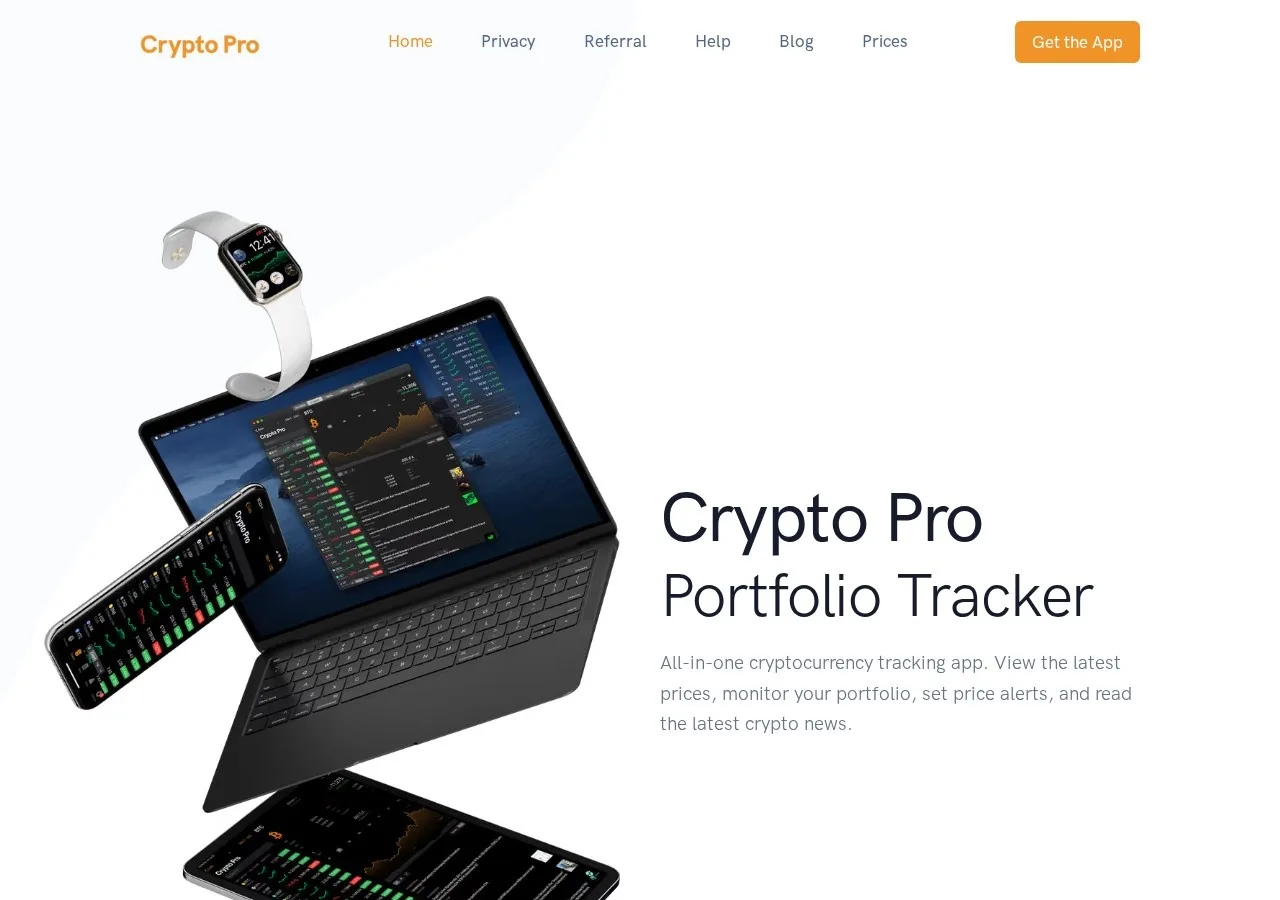
Crypto Pro is a cryptocurrency market tracking and portfolio management application built for Apple hardware, covering iPhone, iPad, Mac, Apple Watch, and Apple Vision Pro. The software monitors spot market prices, compiles interactive candlestick charts, tracks portfolio balances, and sends alerts on market fluctuations across global exchanges.
Data privacy and architecture
Unlike cloud-hosted portfolio trackers that store account records on central servers, Crypto Pro operates on a local-first privacy model. The company does not process, analyze, or hold trade histories or holdings on external databases. User portfolio entries are encrypted and stored directly on the local device, with cross-device synchronization handled through personal Apple iCloud accounts. Users can also back up and restore their holdings manually using CSV exports.
Exchange and wallet tracking mechanics
The application supports both manual trade entry and automated data synchronization. Users can connect cryptocurrency exchanges using read-only API keys, with support for venues such as Binance, Coinbase, Coinbase Pro, Kraken, Bitso, and OKEx. The software tracks public blockchain addresses directly, importing wallet balances for assets including ERC-20 tokens, ETC, EOS, Decred, NEO, GAS, and Cosmos. For market monitoring, users track individual trading pairs or global averages, though live second-by-second price updates require selecting a specific exchange market.
Platform features and pricing
Crypto Pro provides biometric security through FaceID and TouchID app locks, customizable home screen widgets for iOS and macOS, and integration with Siri Shortcuts. The core tracking application is free to download, while advanced capabilities are monetized through an in-app Premium subscription tier.
Risks and limitations
The service is tied exclusively to the Apple hardware ecosystem, with no native applications available for Android or generic web browsers. Relying on local storage also introduces data risks: deleting a portfolio within the app is permanent and can only be recovered if the user has an existing CSV backup file. Automated syncing depends on exchange API keys remaining active and functioning, meaning third-party exchange rate limits or permission revoking can halt automatic balance tracking.
Best for:Apple ecosystem users tracking holdingsPrivacy-conscious investors avoiding centralized trackersTraders using exchange API sync
Pros and cons
Pros
- Stores encrypted portfolio data locally without central server tracking
- Syncs across iPhone, iPad, Mac, Apple Watch, and Apple Vision Pro via iCloud
- Supports read-only API balance imports from major crypto exchanges
- Direct public address balance tracking for ERC-20 tokens and multiple chains
Cons
- Exclusively available on Apple platforms with no Android or web app support
- Deleted portfolios are unrecoverable without an existing manual CSV backup
- Real-time live pricing requires manual selection of specific exchange pairs
- Advanced portfolio capabilities require a paid Premium subscription
Our review
3.7/5
Good
Crypto Pro delivers strong privacy and native Apple ecosystem integration, but it lacks an Android or web interface and does not publish public pricing upfront.
Crypto Pro is a cryptocurrency portfolio tracker built natively for Apple platforms, supporting iOS, iPadOS, macOS, watchOS, and visionOS. Its primary selling point is local data architecture: rather than storing portfolio holdings or trading histories on centralized company servers, the app encrypts data and keeps it stored locally on the user's device, with optional synchronization across hardware managed through iCloud.
The application covers market tracking and automated portfolio syncing. Users can track holdings manually, import historical transaction files via CSV, or configure read-only API connections to centralized exchanges such as Binance, Coinbase, Kraken, and OKX. For on-chain tracking, Crypto Pro supports wallet address monitoring across networks including Ethereum, ERC-20 tokens, and chains like Cosmos, EOS, and Decred. Live pricing is available for specific exchange pairs, while broader aggregate market prices update on periodic averages rather than streaming ticks.
The feature set aligns closely with the native operating environment. It includes macOS and iOS desktop widgets, Apple Watch complications, Siri Shortcuts, and candlestick charting. A subscription tier unlocks premium features, though specific pricing tiers are managed directly through App Store subscriptions rather than a transparent public fee schedule on the web.
The service suits retail investors and traders embedded in the Apple hardware ecosystem who put financial privacy first and do not want their portfolio data held on external servers. It is ill-suited for Android or Windows users, active on-chain DeFi researchers who require deep contract analytics, or institutional teams needing multi-user web dashboards and programmatic API access.
Specs
| Tool type | Portfolio tracker, Market data, Wallet tracking, Alerts · unverified |
|---|---|
| Free plan | Yes · unverified |
| Alerts | Yes · unverified |
| Mobile app | Yes · unverified |
| Wallet tracking | Yes · unverified |
| CSV export | Yes · unverified |
Not disclosed by the provider: Paid plans from (per month), Chains covered, API access, NFT data.
Data from the provider's website and public sources. Fees and availability change; confirm on the official site before you sign up.
Key features
Local data encryption
Encrypts portfolio holdings and trade history directly on the device, syncing across devices via personal iCloud accounts without centralized server storage.
Automated exchange sync
Connects via read-only API keys to exchanges including Binance, Coinbase, Kraken, Bitso, and OKEx to pull balances and transactions.
Direct blockchain wallet tracking
Monitors public addresses to import balances for ERC-20 tokens as well as networks such as Cosmos, EOS, NEO, and Decred.
Multi-device Apple support
Runs across iOS, iPadOS, macOS, watchOS, and visionOS with support for home screen widgets and Siri Shortcuts.
Custom price notifications
Delivers customizable alerts for price movements, trading volume spikes, and activity shifts on specific exchange markets.
CSV export and restore
Enables manual trade imports and allows users to export and restore complete portfolio backups using CSV files.
Inside Crypto Pro
Cryptocurrency Tracker
Displays market statistics, candlestick charts, and currency conversion tools across cryptocurrencies and fiat pairs.
Portfolio Overview
Aggregates manual entries, exchange API connections, and wallet balances to display total equity history alongside gains and losses.
Price Alerts
Configures custom push notifications for price targets, volume spikes, and unusual trading activity on specific exchange markets.
Crypto News
Curates market news and media updates tailored to the coins held in your portfolio or selected on your watchlist.
Crypto Pro screenshots
What users say about Crypto Pro
A summary of public reviews and discussions on third-party sites, checked Oct 21, 2026. These are posts by users on other sites, not reviews submitted on CryptoReview.
User reviews
No user reviews yet. Have you used Crypto Pro? Share your experience below.
FAQ
What platforms is Crypto Pro available on?
Crypto Pro is available on Apple devices, including iPhone, iPad, Mac, Apple Watch, and Apple Vision Pro. It does not have an Android app or a web browser interface.
How does Crypto Pro handle user data and privacy?
Crypto Pro stores and encrypts portfolio and transaction data locally on your device rather than on central company servers. Cross-device synchronization is handled privately through Apple iCloud.
Can Crypto Pro automatically track exchange trades?
Yes. You can import balances and trades automatically using read-only API keys from supported exchanges such as Binance, Coinbase, Kraken, and OKX.
Does Crypto Pro have a free plan?
Crypto Pro provides a free core version alongside a paid premium subscription that unlocks advanced features through the Apple App Store.
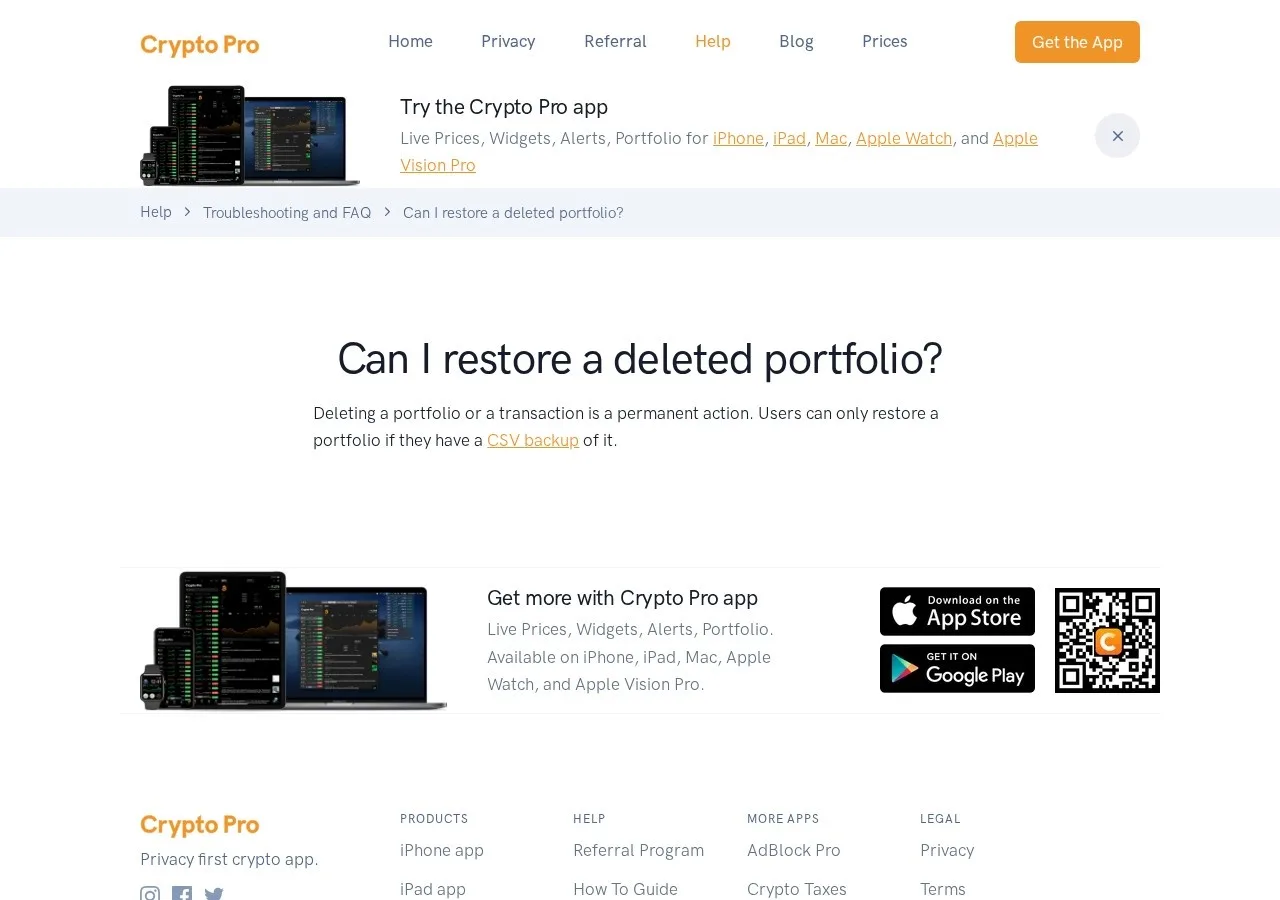
How do you restore a deleted portfolio in Crypto Pro?
Deleting a portfolio or transaction is permanent within the app. You can only restore deleted portfolio data if you have saved a prior CSV backup.
Latest from Crypto Pro on X
If you're experiencing connection issues, please update to version 7.0.9. We apologize for any inconvenience and appreciate your patience.
Updated macOS app is currently #2 in the Finance category. Try it out and let's moon it to the top! https://t.co/c0L9Dxmiwl

Feels good 📈 https://t.co/YL8TLR5q4Q
20K! To infinity and beyond! 🚀
Recent public posts from @cryptoproapp, shown as published. Not reviewed or endorsed by CryptoReview.
Alternatives to Crypto Pro

Open-source DeFi dashboard tracking TVL, fees, and yields across hundreds of chains
Market data · DashboardsFree planAPI access

Real-time DEX charting and screening platform tracking token pools across more than 60 blockchains
Market data · DashboardsFree planAPI access

Independent crypto market data aggregator tracking over 22,000 tokens across 360+ networks since 2014
Market data · Portfolio trackerFree planAPI access

Crypto market analytics and price aggregator tracking over 64 million digital assets since 2013
Market data · Portfolio trackerFree planAPI access

Ethereum block explorer and multichain indexing API covering over 60 networks
On-chain analytics · Wallet tracking +1Free planAPI access

Market charts and research used by 100M+ traders, with a $0 Basic plan
Market data · Research +2Free planAPI access